




Please follow this format with your application ID, applicant name, document enclosed.
The time has come to start paying your health insurance's monthly premium. It is a quick and easy process with little information needed! Here is a guide on how to make payments online with Ambetter:
Ambetter Payment Instructions
Step 1: Use the link below to locate your account in Ambetter’s portal and fill out the information. You can use your member ID or the last 4 of your SSN.
https://ambetter.payment.softheon.com/guest/locate-account
Step 2: Select the Payment Amount and select a Payment Date.png?width=624&height=370&name=Clients%20Name%20(2).png)
Step 3: Select your Payment Method and fill out the Billing Information. You can choose to use either your bank account or credit card
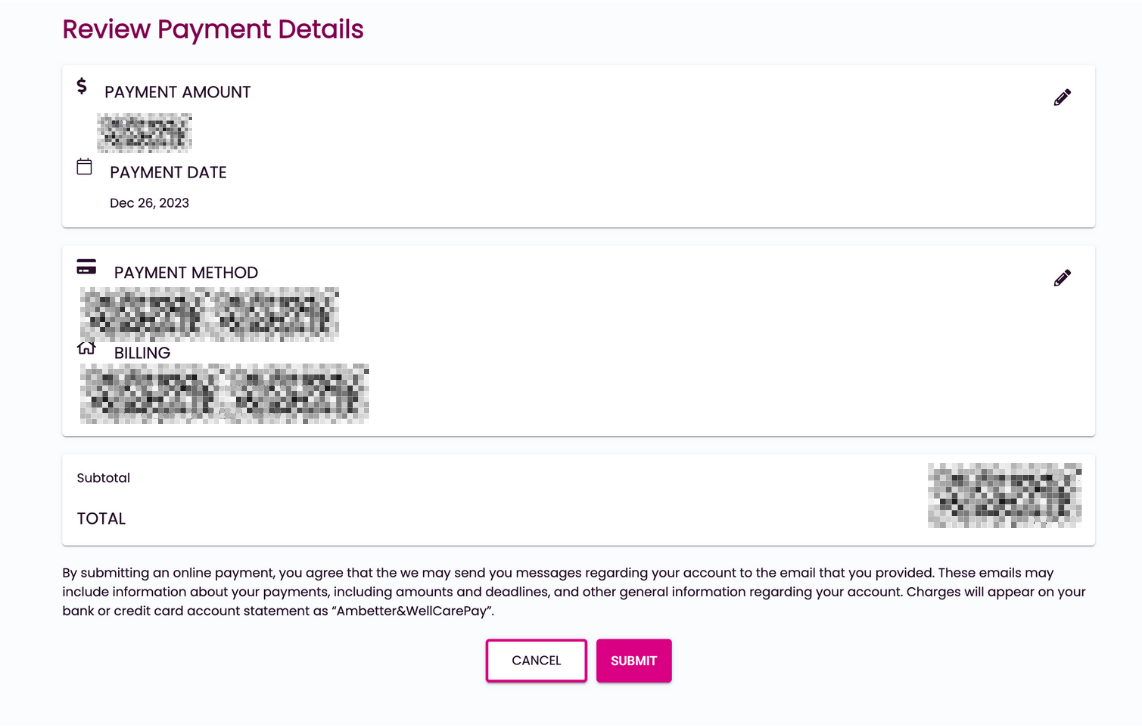
Step 4: Review your Payment Amount, Date, Method, and Address - then click submit at the bottom
Ambetter's guide to make a payment and set up auto pay

.jpg)