


Your Health Trio Connect portal allows you to manage your health plan online. Follow the steps...
How to set up your Jefferson Health account to manage your bills, view your benefits, change your primary care physician, and more!
Step 1: Use this link to start your registration with Jefferson
https://jhp.healthtrioconnect.com/app/index.page?xsesschk=
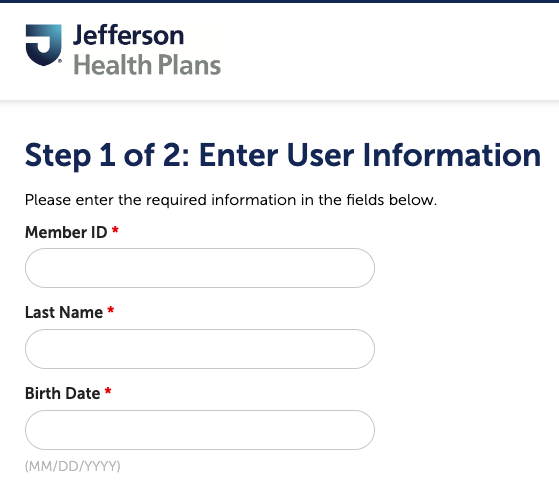
Step 2: Fill out the following information
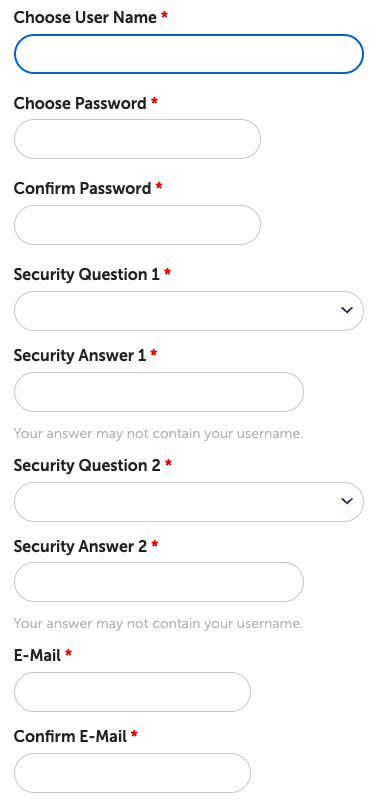
Step 3: Set up your account information, make sure to write down your user name and password for future reference
After your account has been successfully made, you can login and view your account!
.jpg)