

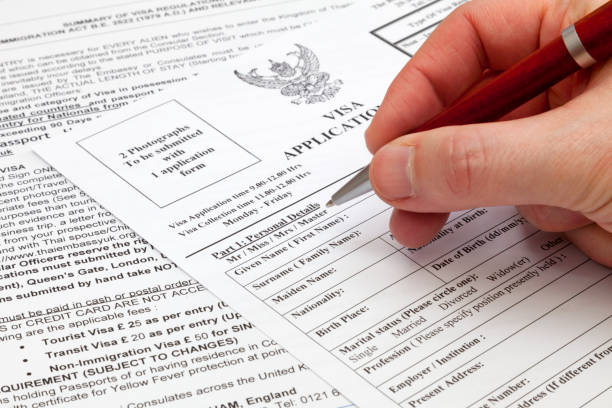
Please follow this format with your application ID, applicant name, document enclosed.


IBX Payment Instructions
Step 1: Use the link below to log into your IBX member portal
If you are not registered you follow this guide:
https://www.eproassociates.com/news/setting-up-your-ibx-account
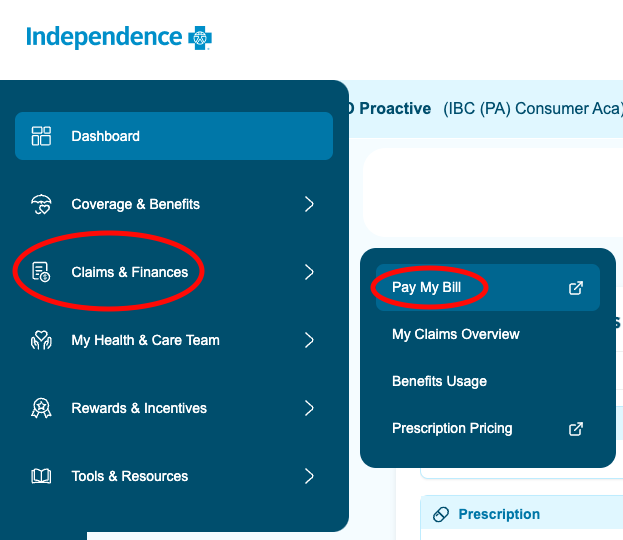
Step 2: Once logged into the account open the left side menu, click on “Claims and Balances” > “Pay my Bill”
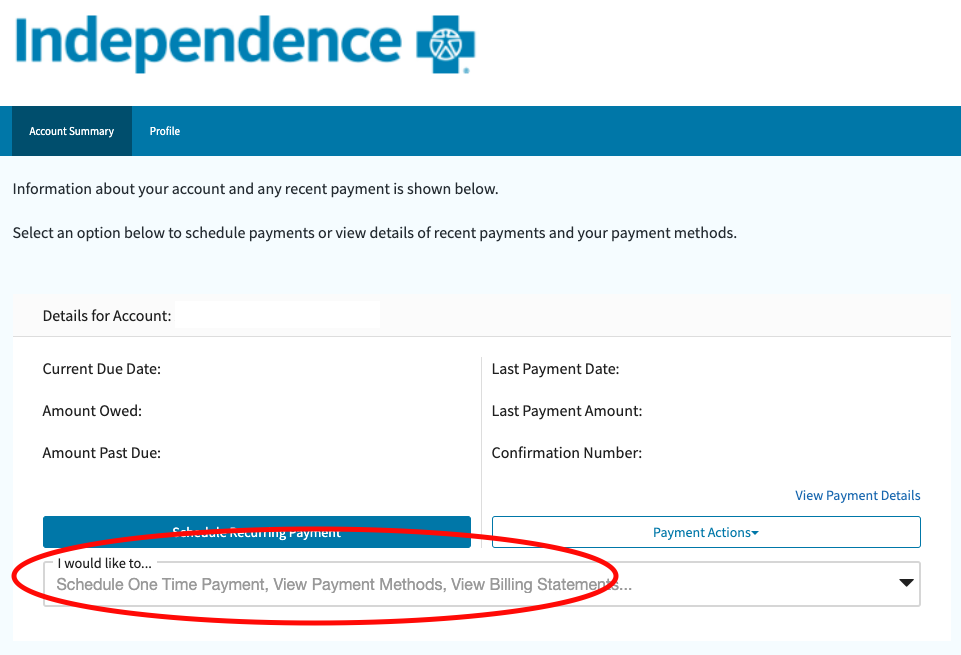
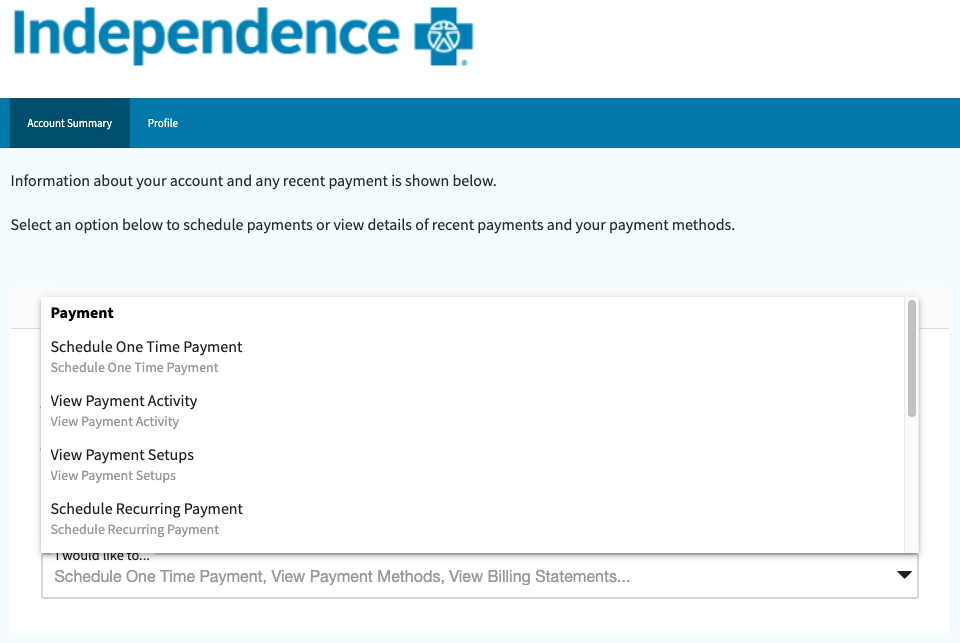
Step 3: Click on “I would like to…” and we recommend to “schedule a recurring payment”
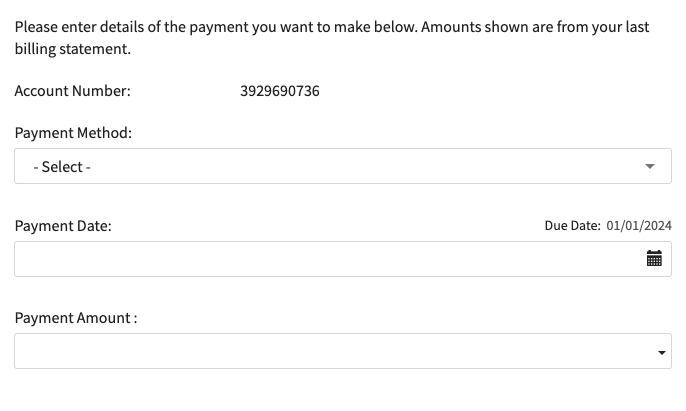
Step 4: Fill out your payment method, payment date, and payment amount


.jpg)